
Searching All Fisheries
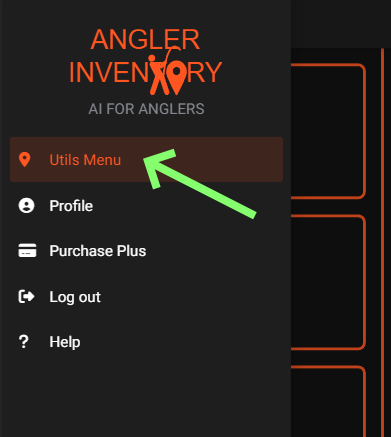
To begin searching for all tackle shops, first make sure that you are in the Utils Menu.
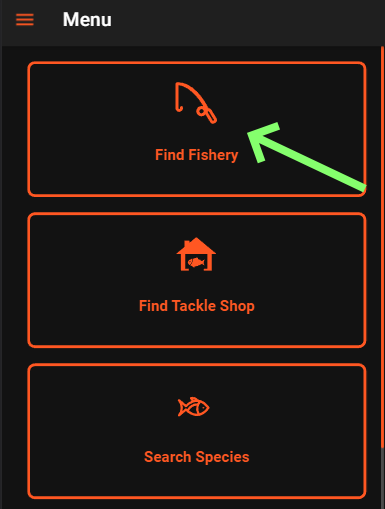
From here, you will tap on the Find Fishery button.
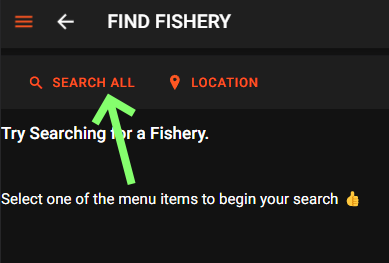
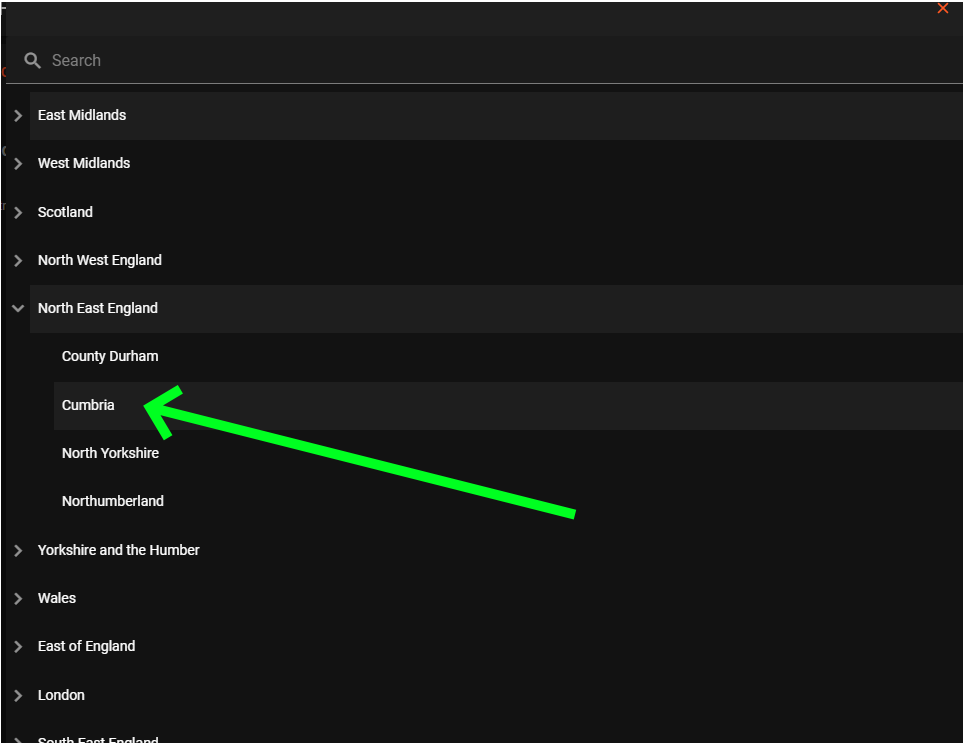
Firstly, click on a Region you would like to locate fisheries at, then click on a County.
This will then populate the Find Fishery screen with a list of all fisheries within the selected Region and County.

Scroll through the list to view the results of your search.