
Searching by Location
In order to search for fisheries using your location services, first start from the Utils Menu on the main page of the Angler Inventory application, shown below.
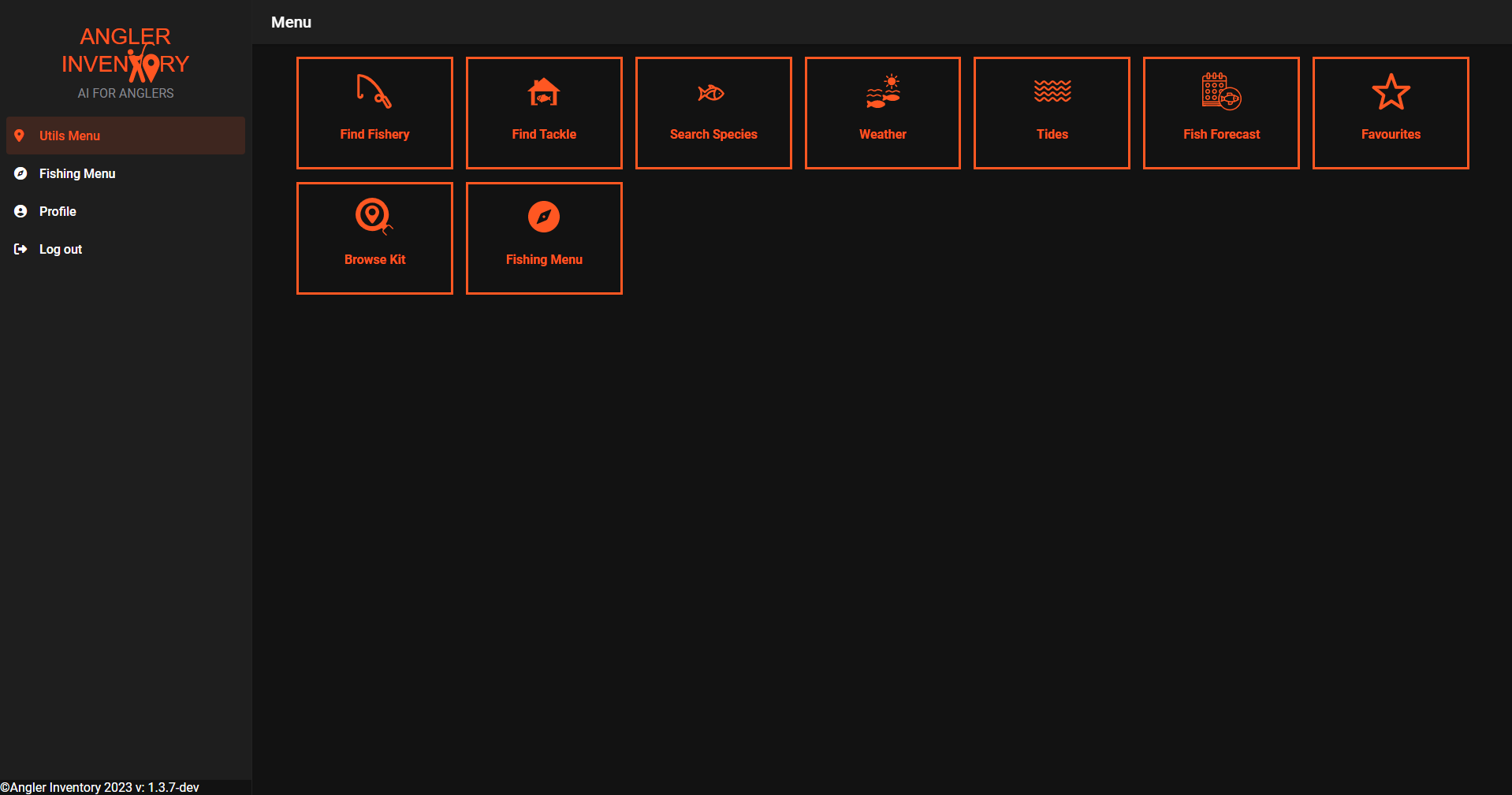
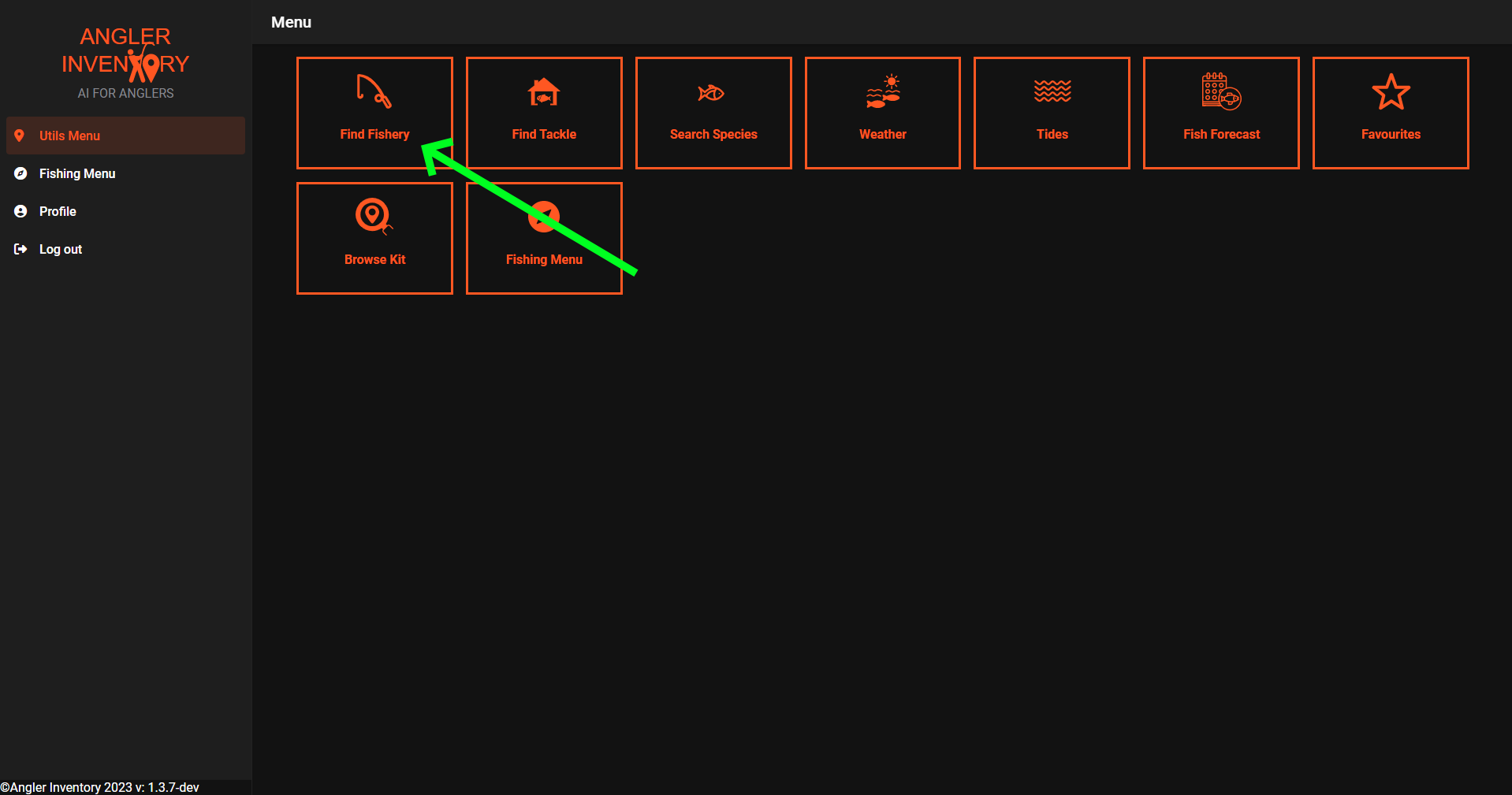
From here, you will click on the Find Fishery button.
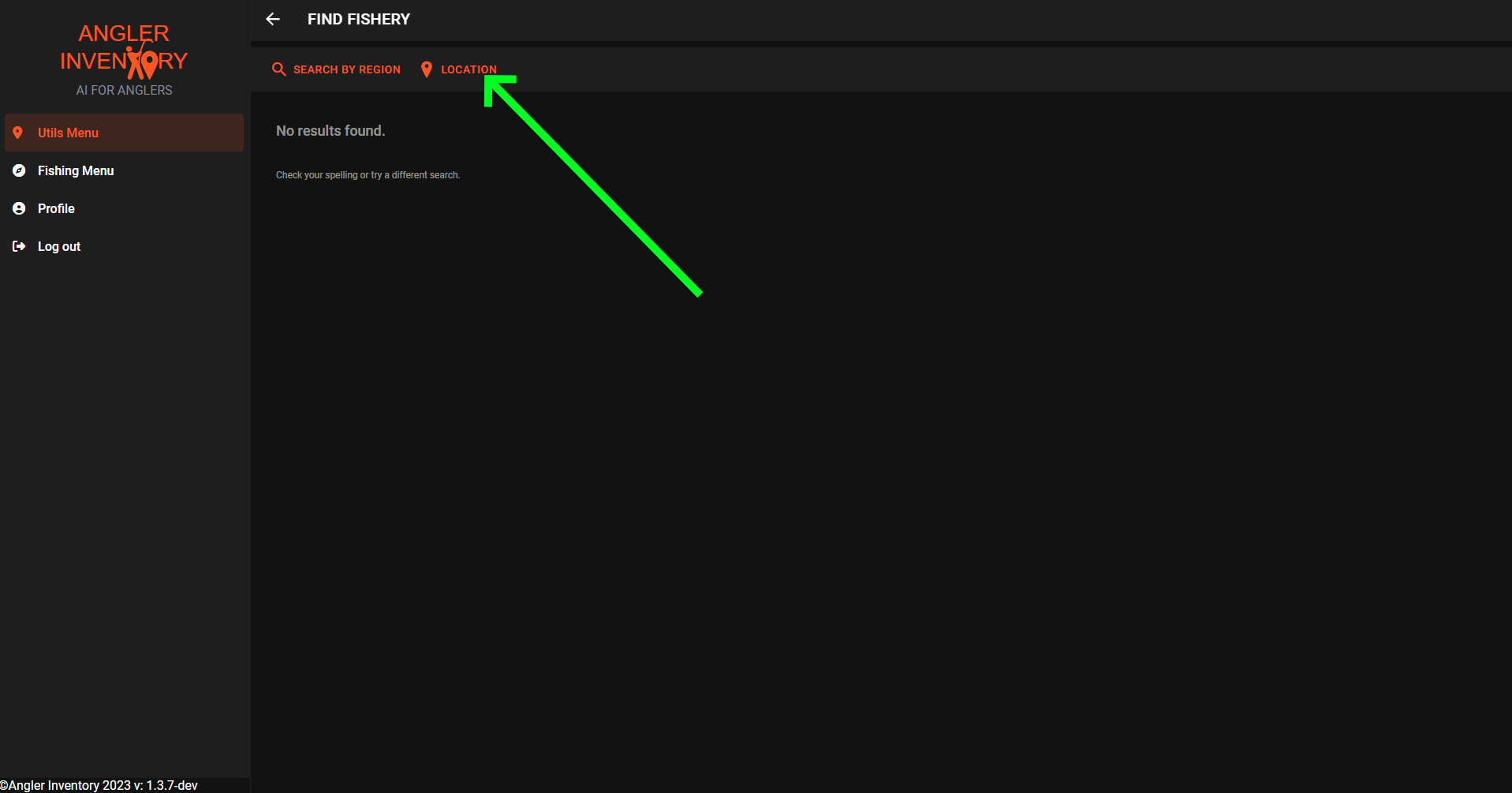
Click on the Location button shown below.
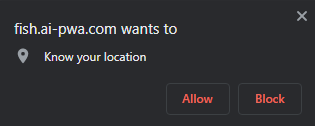
This will bring up a prompt asking you to accept the location services for the device, this aids us to find you nearby fisheries.
Click allow. This will also give a better user experience and your location will not be used/disclosed.
As soon as you have clicked on allow, it will populate the list on the main Find Fishery screen with fisheries that are nearby.
